Tiered Storage in ClickHouse
Tiered Storage in ClickHouse
We are now going to discuss a concept that goes deeper into ClickHouse, which is tiered storage.
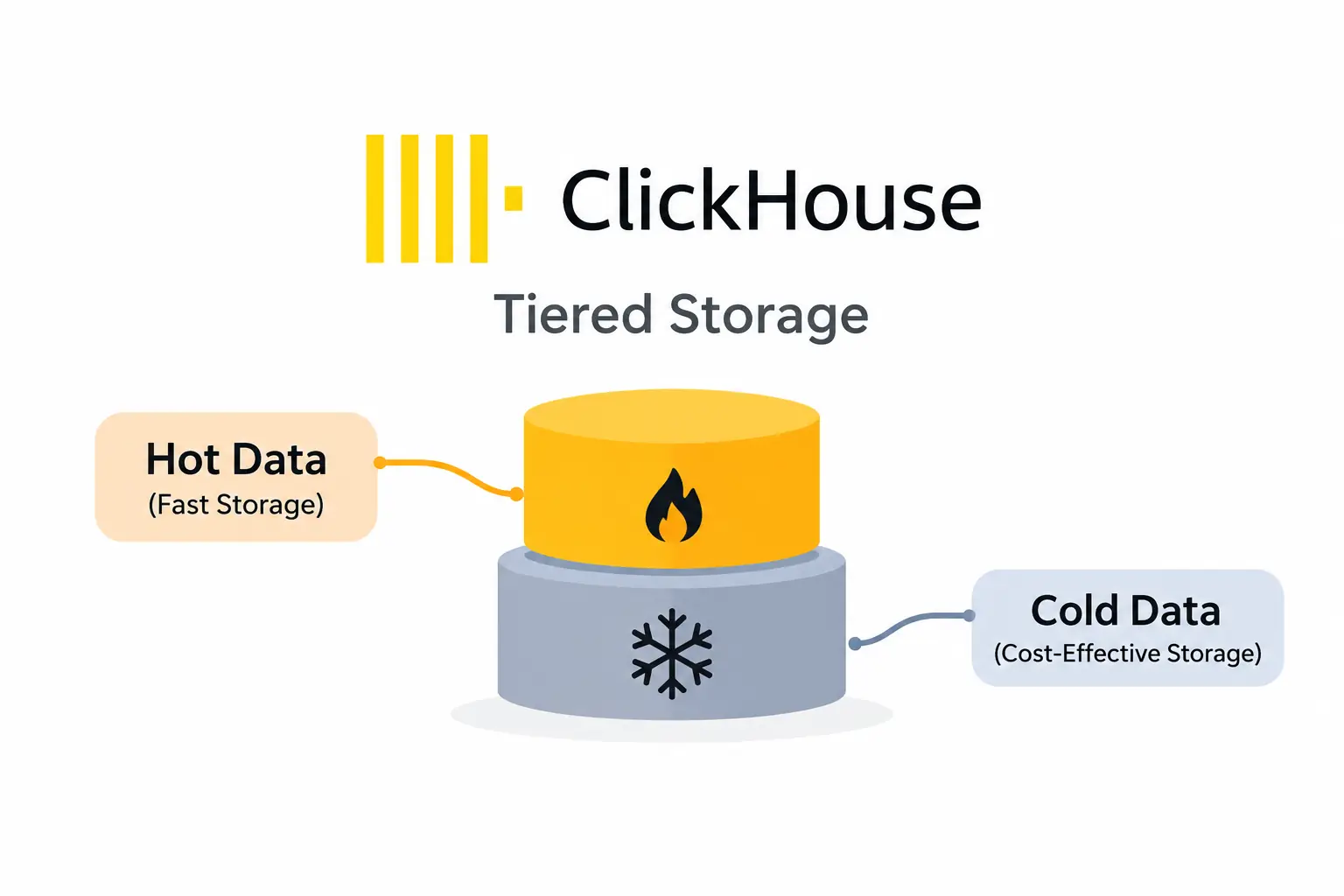
ClickHouse supports tiered storage, which means you split data into hot (fast SSD) and cold (cheap HDD or object storage) based on age. If you only have SSD, you typically do not bother with tiered storage; all data lives on the same fast disk and is queried at full speed.
What is Hot Data?
Hot data is data that is used many times within a short period and in the short term. For example, logs from the last 7 days that dashboards query in real time. This is data that is accessed frequently and read many times over a given period.
What is Cold Data?
On the other hand, we have data that is called and read very rarely, such as logs from 2 years ago. This is referred to as cold data.
A Simple Analogy
In simple terms, imagine you have a bag. When you need your headphones and notebook more often than the flashlight, you place the flashlight at the bottom of the bag and keep the frequently used items at the top.
Creating Hot and Cold Storage Spaces in ClickHouse
The following code creates two spaces, one for hot data and one for cold data, in ClickHouse:
CREATE STORAGE POLICY hot_cold
VOLUMES = {
  'hot': ['/ssd/clickhouse'],
  'cold': ['/hdd/clickhouse']
};
Applying the Policy to a Table
Now you can apply the cold (or hot) method to a table:
CREATE TABLE events (
  event_time DateTime,
  ...
)
ENGINE = MergeTree
ORDER BY (event_time)
TTL event_time + INTERVAL 7 DAY TO VOLUME 'cold'
SETTINGS storage_policy = 'hot_cold';
What Happens
- New data is written to SSD (hot).
- After 7 days, ClickHouse automatically moves it to HDD (cold).
- You query transparently; ClickHouse reads from wherever the data lives.
Can You Move Cold Data Back to Hot?
Yes, but it is not automatic. Once TTL moves data to cold, ClickHouse does not move it back to hot by itself. You have several ways to do it manually.